In the last post I vibe coded a static site for the Tech in the Shed channel and got it live on Spacefast in about nine minutes. This time I wanted to take that same site and make it dynamic, so I could log in and edit it. And I was very clear, both to myself and to the agent, that I did not want to build a new content management system.
You can probably guess how that went. I’ve gone and done it again.
What is Zero?
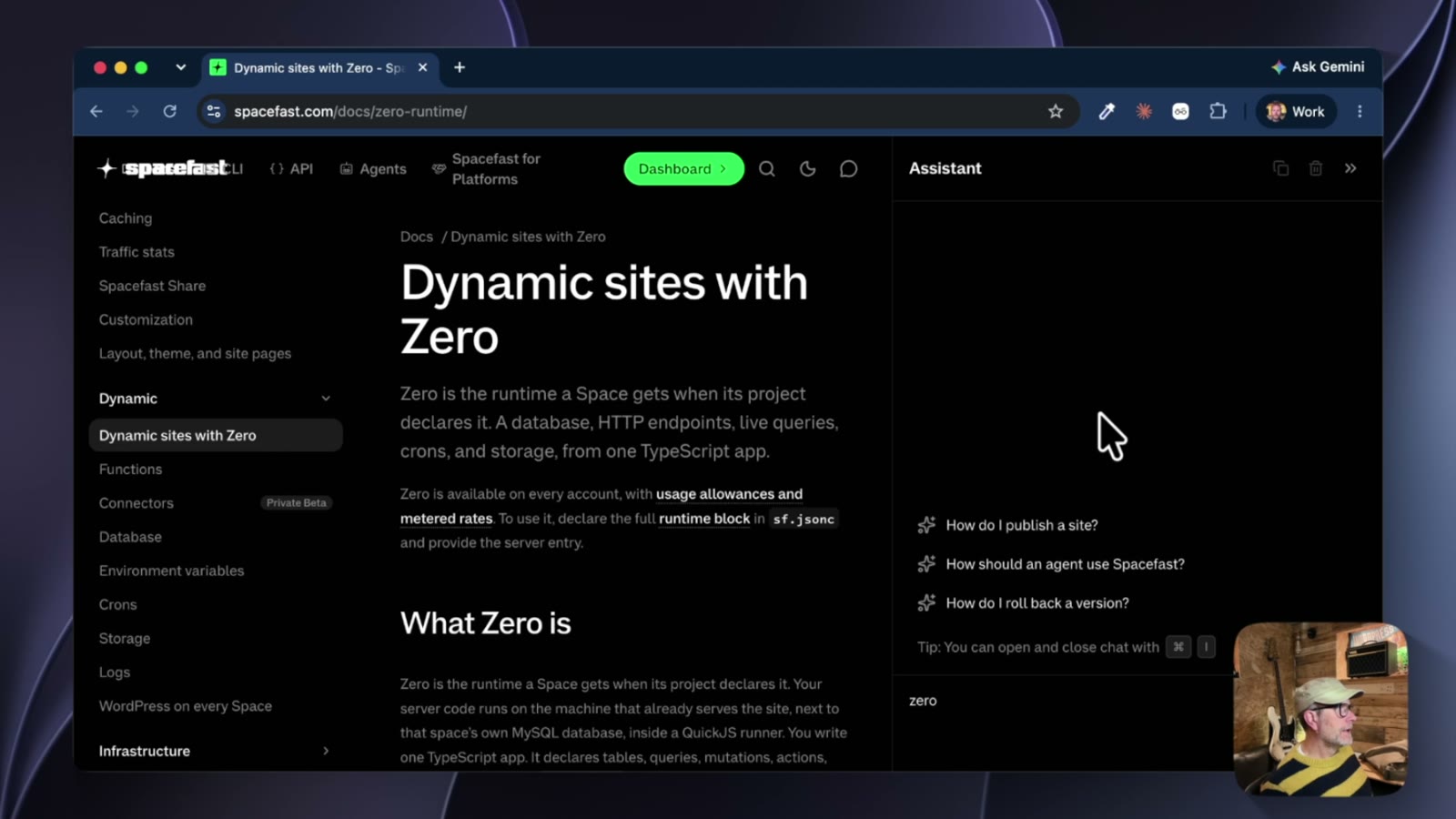
Spacefast has something called Zero, which is a runtime that every space gets when the project declares it. Your server code runs on the machine that already serves the site, alongside the space’s own MySQL database, inside a JavaScript runner. You write a TypeScript app and deploy it, Spacefast builds it.
I did it agent first again. In VS Code I wrote a prompt asking Claude Code to create a Zero app based on the static site from the last video, and make it basically editable. I also told it, in so many words, that there are already plenty of CMSs around and I didn’t want a new one. Then I contradicted myself by adding that for demonstration purposes it could build a basic one.
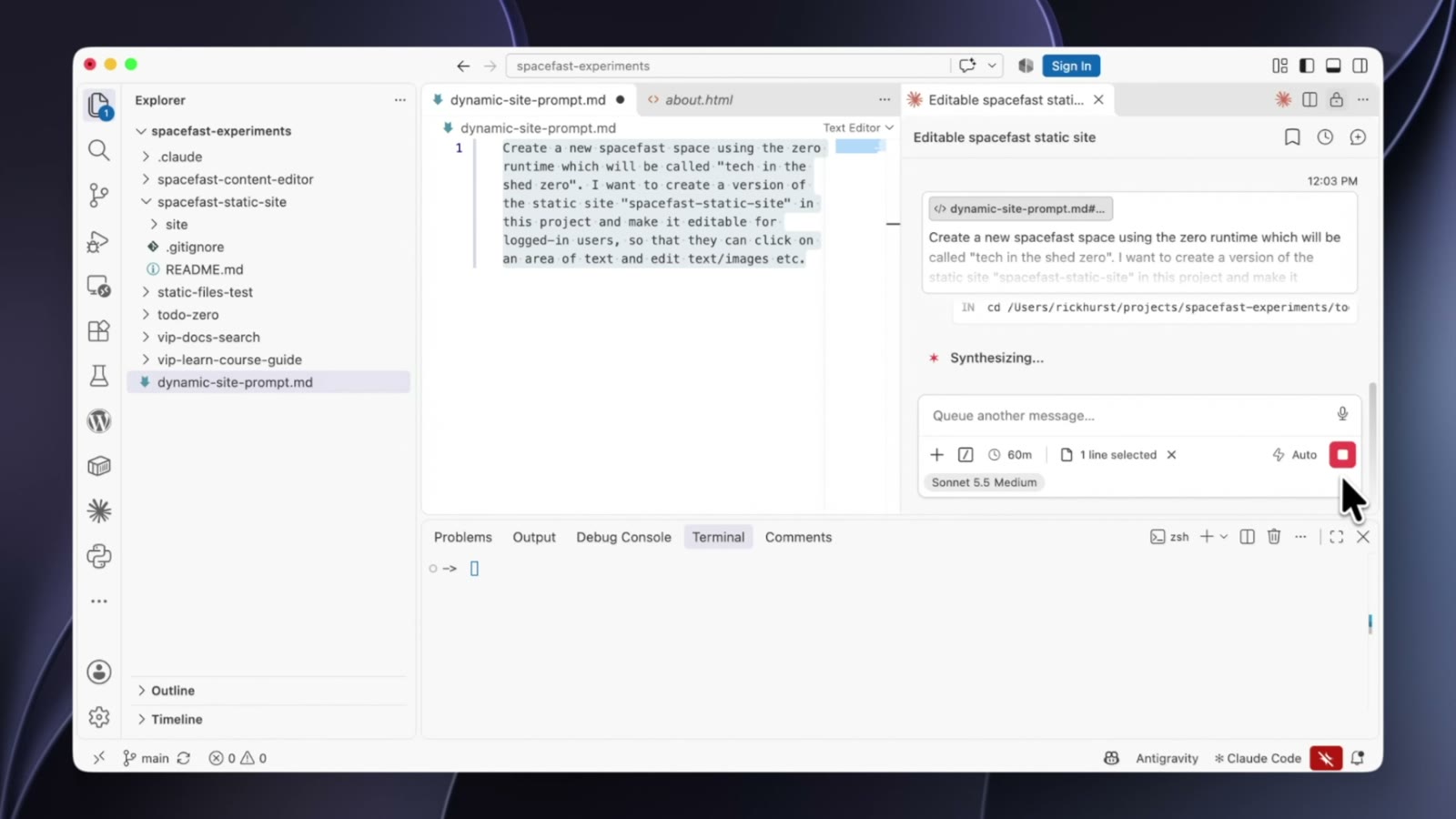
While it was working away I noticed it had downloaded the docs’ llms.txt, which is a file you can put on any site to give an agent instructions. That’s where Claude gets its basic operating knowledge of Spacefast from, so it’s worth a look if you’re curious what your agent has been told.
Déjà vu
When the app appeared locally I had a poke through it. The package.json has Spacefast Zero and Preact as dependencies, along with TypeScript, and there are TypeScript files representing pages. Which is where I started getting flashbacks.
The code reminded me a lot of my own attempts at building CMSs 20 or 30 years ago. We weren’t using TypeScript then, of course, but the pattern was the same. Take a static site, and turn it into a content-managed one, usually while still keeping hard-coded pages. One file per page, so there’s an about page file, a shared header and footer file, and then the bit that’s specific to that page.
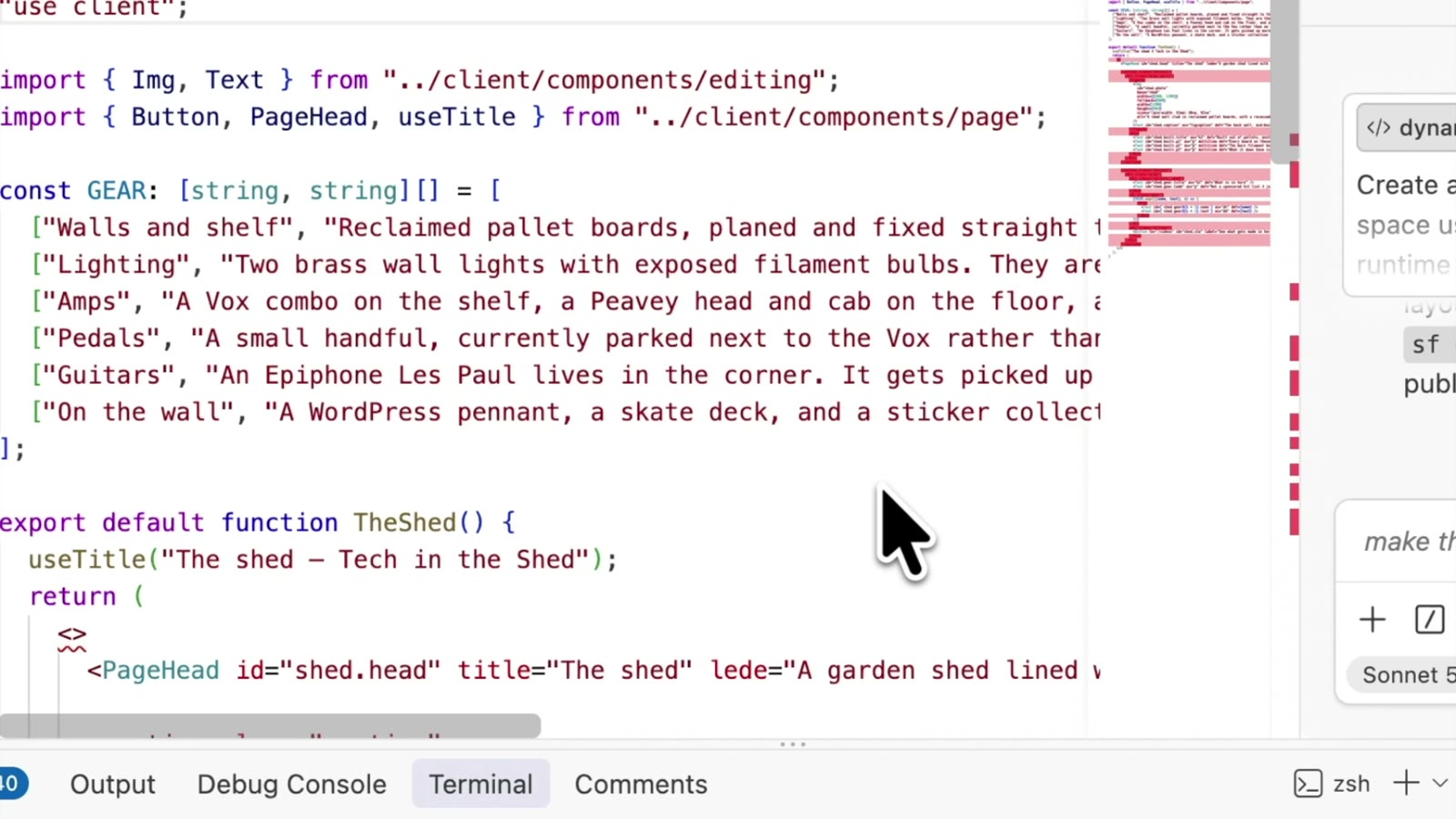
It’s very basic content management. You can change some text within the page, but you’re not creating pages with it, although that would also be possible.
Does it actually work?
Annoyingly, it’s actually really convenient. I’m signed into Spacefast, not the site as such, and there are no levels of editing built into this. If you’re the owner of the space and you’re logged in, you can edit.
Click on any text and it turns into a box with save and cancel buttons. Click on an image and you can replace it by choosing a file. I picked a random image, hit save, and it was swapped.
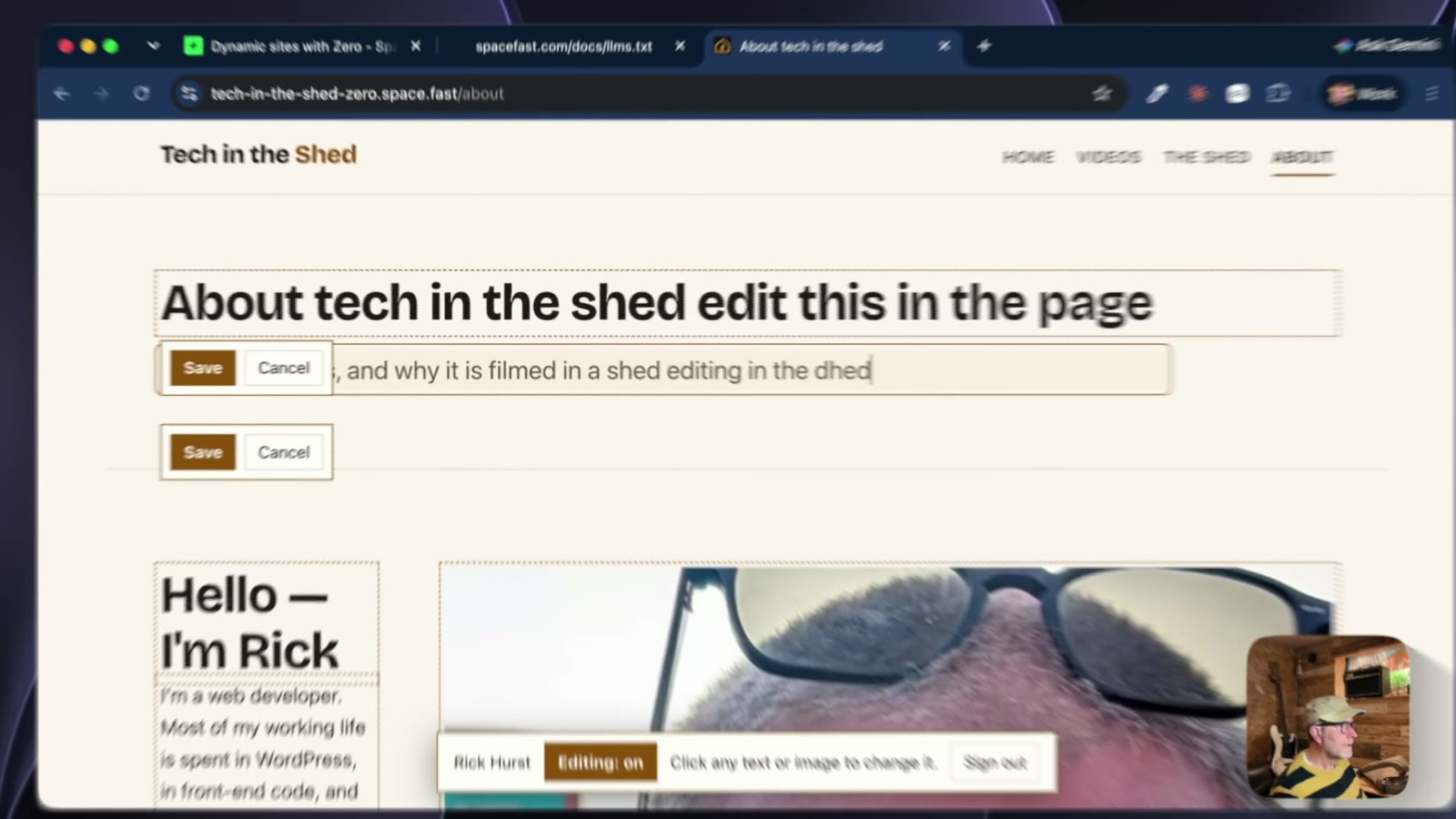
It isn’t the worst thing in the world. If it was just a website and people only wanted to occasionally log in and change a bit of text, I think they’d find it quite easy. It doesn’t give you much flexibility, but it’s convenient, I have to say.
So I made it a bit more advanced. The “what’s in here” section on the shed page was hard-coded, so you could only edit the items that were already there. I asked Claude to let me add new lines to it, and there was an “Add an item” button, a little dialog for a name and a description, and the ability to remove items too.
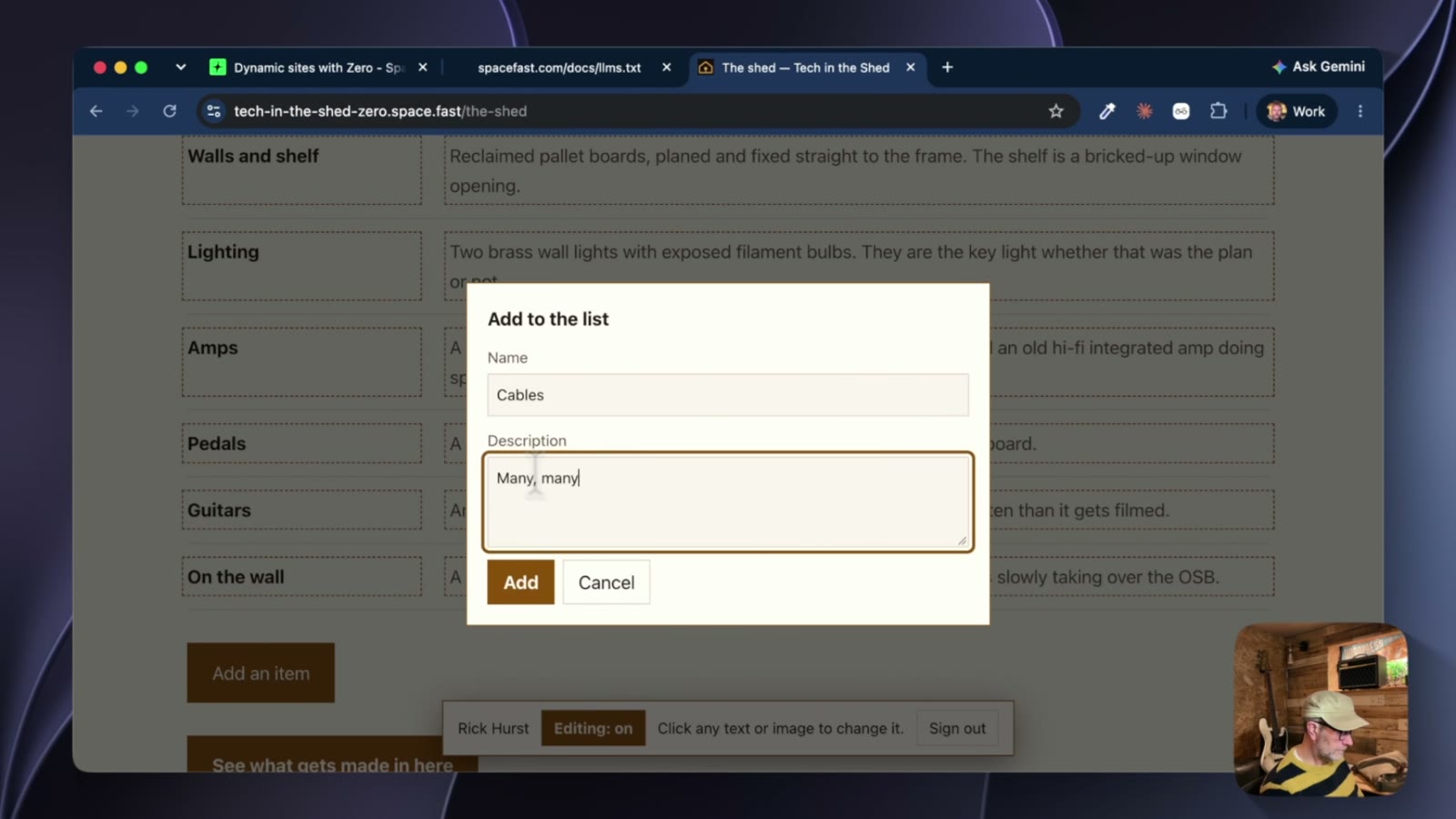
I’m not building a CMS. I’m never going to build another CMS. I promised myself. So I don’t need to go improving this now, but it’s clear that it’s not bad. A few lines to Claude, and the runtime, framework and components that come with Zero make this sort of thing easy. If it was just a web app rather than a content management system, I’d be quite happy to keep iterating on it.
Where has the data gone?
What I really wanted to know was where all that content ended up. The space dashboard has a Database section, and this is the MySQL database that comes with the space. You don’t get direct access to it, so there’s no connection string, and the framework just handles the reads and writes. You can see in the dashboard that it created a table called blocks, which is where my editable bits went, and it’s basically just a name and some text.
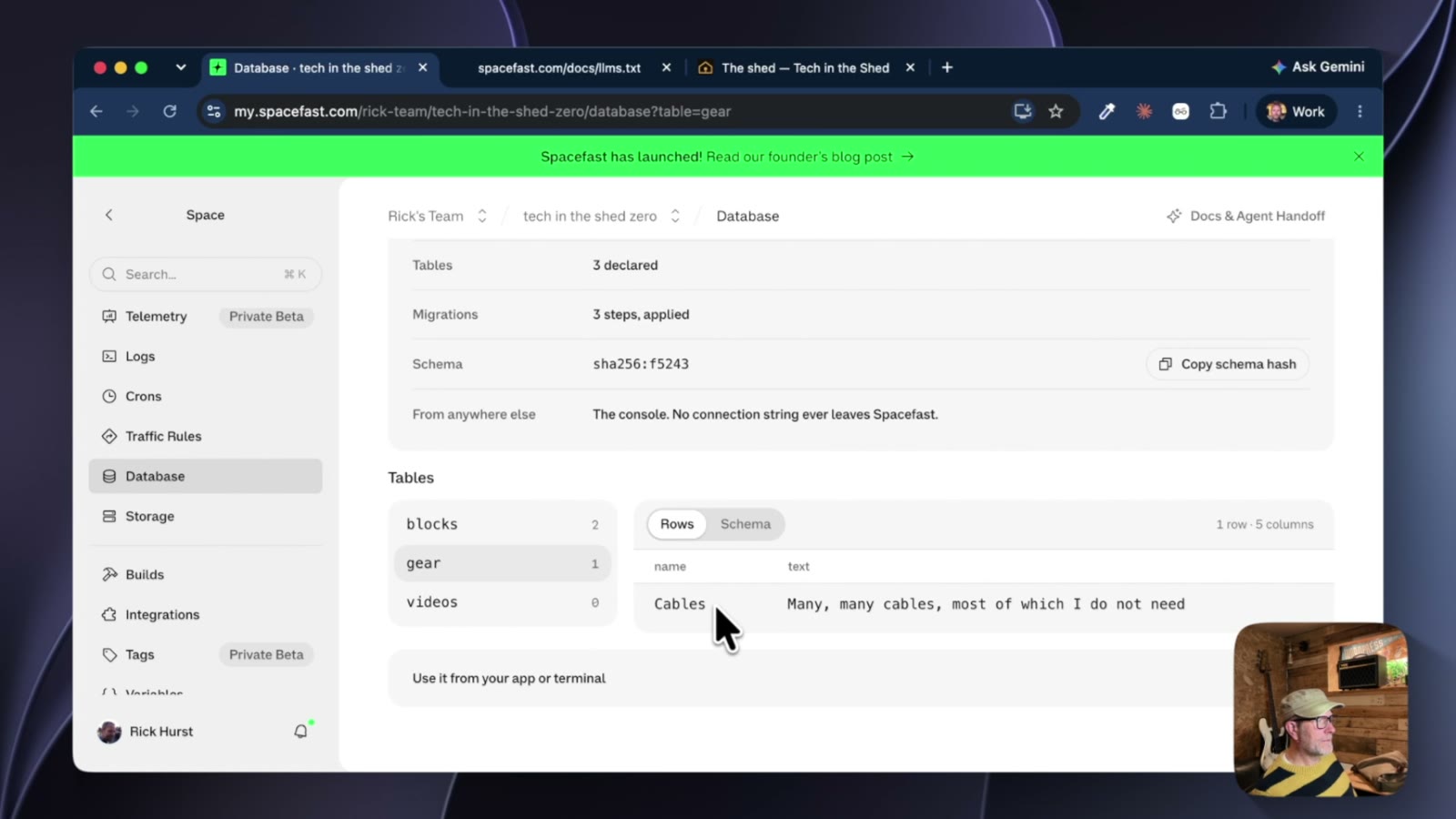
I think that’s pretty useful, really. If I can think of a better example of a web app that I actually want to build, I’ll come back and use this, because it’s lightweight and convenient.
One more thing I noticed while I was in the dashboard. Last time, before the site was under source control, that section was called “Files”, and once I’d hooked it up to git it became “Source”. Which makes sense.
Takeaways
- Agents will happily build you a CMS if you ask for “editable”, even when you tell them not to. Learn from my mistakes of wasting years reinventing Content Management.
- It really is a very basic one. Fine for a few bits of text, not something I’d hand to a client.
- I looked at the code because I’m a developer. If you’re not, you don’t need to: just chat with the agent and ask it to check things, such as making sure it’s only editable by the owner and not by just anybody who visits the site.
- The database being a black box is kind of a feature. The framework handles it, and you get a view in the dashboard.
That’s the Zero runtime on its own. There’s also a WordPress side to Spacefast, because every space is actually backed by a WordPress instance, and it turns out that MySQL database I can’t connect to is a WordPress one. That deserves a post of its own, so that’s what I’ll cover next.